


Nail The Pose
Rear camera on the rack, screen in front of you. See the frame before you hit the shot, not after a set of blind retakes.
You've unlocked FREE shipping 🎉
Buy 2 → Get 10% OFF
Buy 3 → Get 30% OFF
9 out of 10 also get:
29 people viewing right now
Low stock. Selling fast.
250+ sold this weekCouldn't load pickup availability

Ends in: Ends in:
+ Free when your order has a GymLamp
Gifts added in the cart automatically.
30-day risk-free money back guarantee
Trusted by 100,000+ lifters worldwide
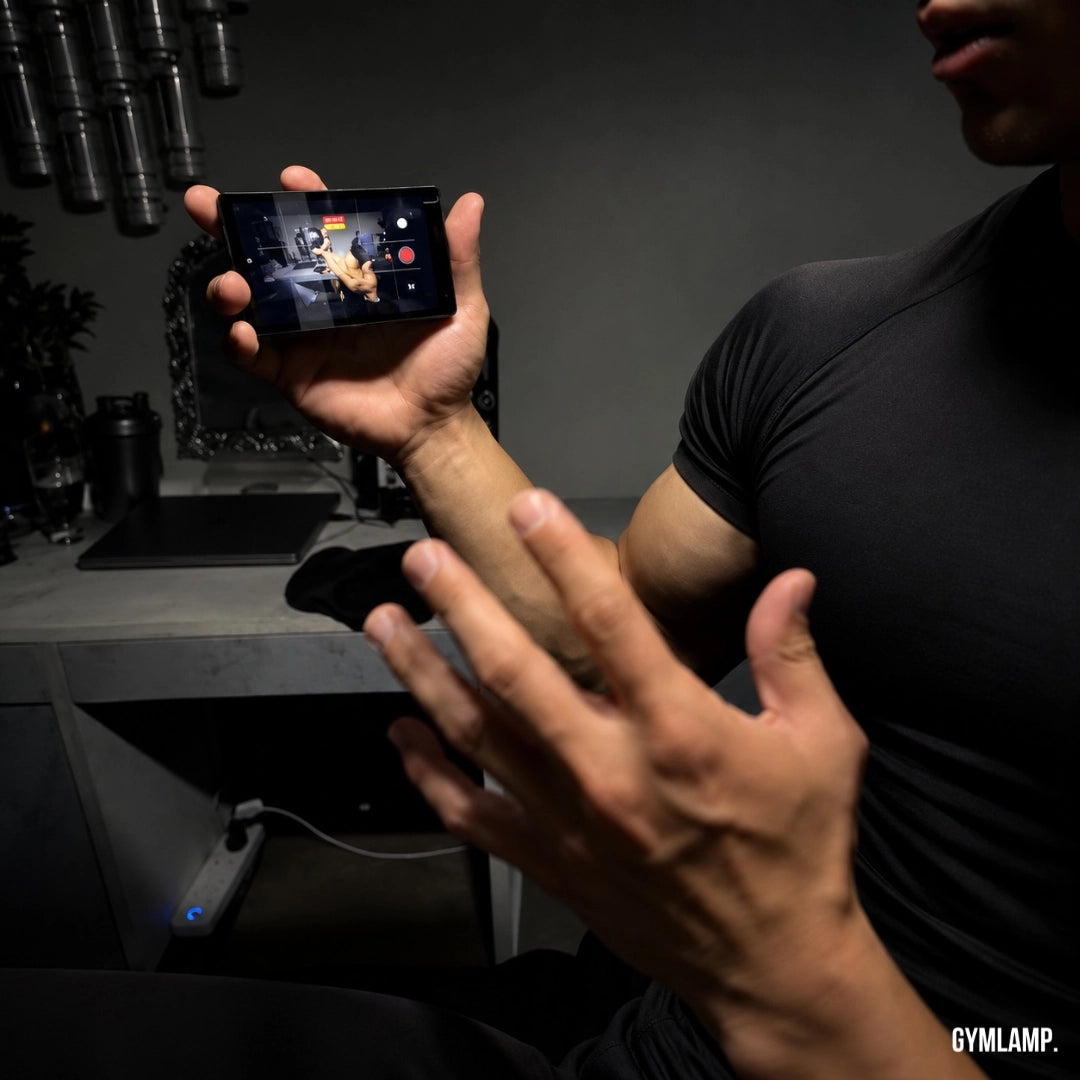
A 4-inch screen that shows you exactly what your phone camera sees, while it's recording. It sticks magnetically to the back of your phone (or anything steel next to it) and mirrors your camera live, so you can use the rear camera, the good one, and still see yourself.
No more guessing if you're in frame, no more checking the clip after the set, no more flipping to the front camera and losing quality. You see the shot before you take it, every pose, every rep.
No visible delay. The current model mirrors your camera in real time, with no lag, no stutter, no frozen frames. What you do, you see on the screen at the same moment.
It stays smooth up to 10 metres away from your phone, so you can leave the phone on the rack and take the screen with you to the mirror or the posing spot. For anyone who wants a wired connection anyway, there's a cable in the box.
Yes, iPhone and Android. It connects over screen mirroring, which most phones from the last few years have built in. No app to download, no account, nothing to install. Turn it on, mirror, done.
If your phone doesn't support wireless mirroring, the included cable does the same job (USB-C or Lightning with video output). Not sure about yours? Send us the model at support@gymlamp.store and we'll tell you before you order.
Magnetic. It snaps straight onto a MagSafe iPhone, and for any other phone there's a magnetic ring in the box: stick it on once, forget about it. It also holds on any steel surface, so you can put the screen on the rack, a cable machine or a mirror frame. Grabs on with no fiddling, comes off with one pull.
Up to 8 hours on a charge, a full week of sessions for most people. Charges over USB-C with the same cable as your phone, and four brightness levels let you turn it down to stretch the battery or up for a gym with harsh overhead lighting.
Order by 12 Dec for Christmas delivery. Black Month orders can be returned until 5 Jan, so if they already have one, they can swap it. Ships tracked, and the 30-day guarantee still applies on top.
We ship worldwide, tracked. Delivery takes 2 to 10 business days depending on where you are, and you get a tracking link the moment it ships plus email updates the whole way.
Every order is backed by a 30-day money-back guarantee. Take it to the gym, use it for a month. If it's not for you, send it back for a full refund.


Tap a point to learn more

Three ways people use it every session, none of them involve guessing.
Rear camera on the rack, screen in front of you. See the frame before you hit the shot, not after a set of blind retakes.

Stick it at eye level on the rack. Watch depth, bar path and back angle live, and fix it on rep two instead of after the clip.

Filming with the rear lens? The screen shows exactly what it sees, so you keep eye contact and still know you're in frame.
Why not just use the selfie camera?
The selfie camera gives you the view but kills the quality. A friend gives you the quality but not the view. This gives you both.


If you don’t find the answer to your question here, don’t hesitate to reach out to our support team at support@gymlamp.store
Yes, it works with most iOS and Android phones that support wireless screen mirroring.
For iPhone, wireless mirroring is supported through standard iOS screen mirroring.
For Android, compatibility depends on the phone model. Android phones with wireless screen mirroring support will work, but Google Pixel phones are not compatible with wireless mirroring on this screen because they use Google Cast instead of the standard mirroring protocol used by the monitor.
A cable is included for phones that do not support wireless mirroring. For wired use, your phone must support video output through USB-C or Lightning. Google Pixel wired compatibility starts from Pixel 8 and newer.
There can be a very slight delay, but it’s not noticeable for framing, posing, or recording videos. The image stays stable and clear. If you want Zero delay use the provided cable.
It attaches magnetically to your phone or any metal surface. For non-magnetic phones, a magnetic ring can be used (also included).
The battery is designed to last all day under normal use. You can also recharge it easily via USB-C.
No dedicated app is required. It uses your phone’s native screen mirroring feature, so setup is quick and simple.
Built different
Trusted by Top Athletes & Creators
Follow us on Instagram @gym.lamp_


